Adam Vincent

Technical Theatre & Live Events

Hi Im Adam, a multi skilled technician with a focus on lighting sound and networking. I have been working in theatre and live events on freelance and venue jobs for around 3 years now.

Originally coming from a film and TV background I have really found myself in this side of the industry and am keen to keep exploring it. This portfolio should highlight that as well as display my 330 showcase project.

Linked In

Accessible below is my linked In which I regularly update to track and display my education, employment and certifications.

Freelance Instagram

Instagram is the main place I use to showcase recent work and industry related content, it features most of my recent shows and events. Its a great tool for showing clients and employers my experience. 

My Website

As well as my social media presence I own my own domain adam-vin.net in which I have a website hosted with proffesional links to socials and work, Im currently in the proccess of updating it behind the scenes to reflect my professional work within the industry. 

ABOUT THE SHOWCASE

Light & Interactions Project

INTRODUCTION

In my final university project the “330 Professional Practice Showcase” I will be collaborating which Jack Smith to create an interactive light show experience. Jack will be aiming to focus on the teaching and video elements which Im focusing on developing my 210 project with more advanced audience interactions via voice assistants. (Siri)

Why? Achievables

As well as learning new skills we wanted to jump into looking at innovative ways of using technologies together the best way we knew how: by creating a show. As visual and technical people we benefit more highly than doing a theory based project.

We are aiming to:

  • Explore show control with advanced control systems, in initiative ways and demonstrate how they could be used. (ie. Voice Assistants, Timecode)
  • Learn and explore MA2 Lighting consoles via practical learning
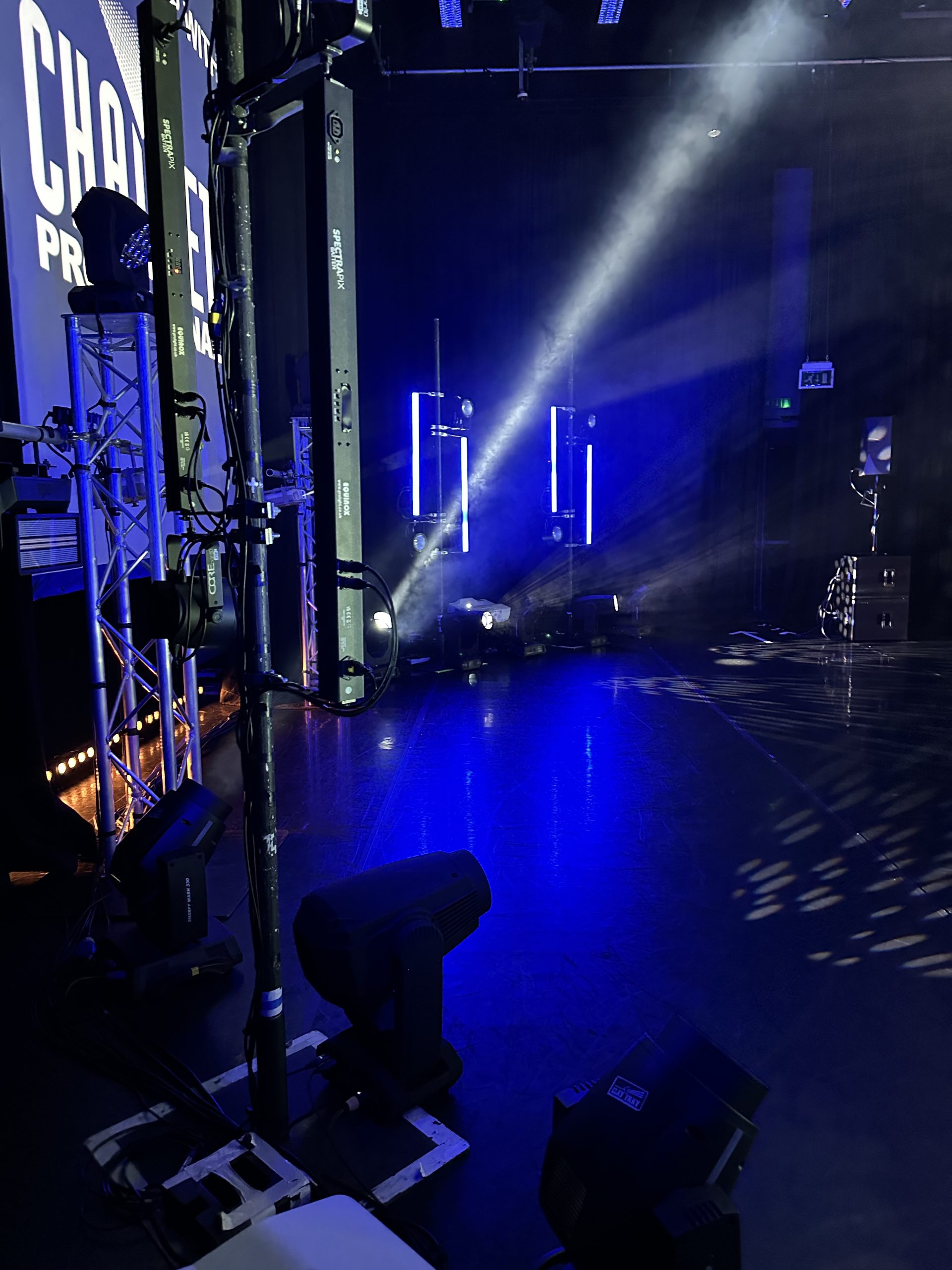
  • Learn and experience industry standard lx rigs
  • Communicate and work with external professionals & peers to create the project.

Lighting Design

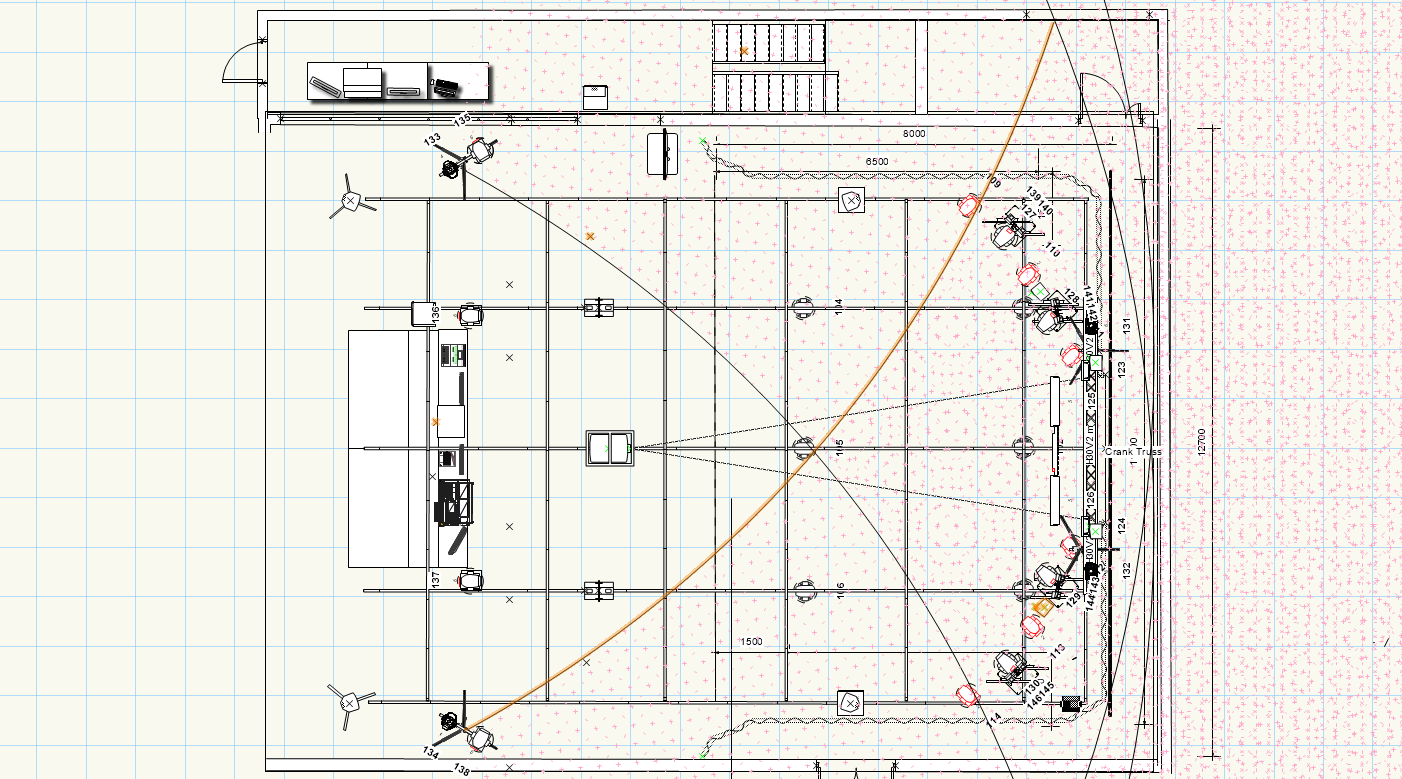
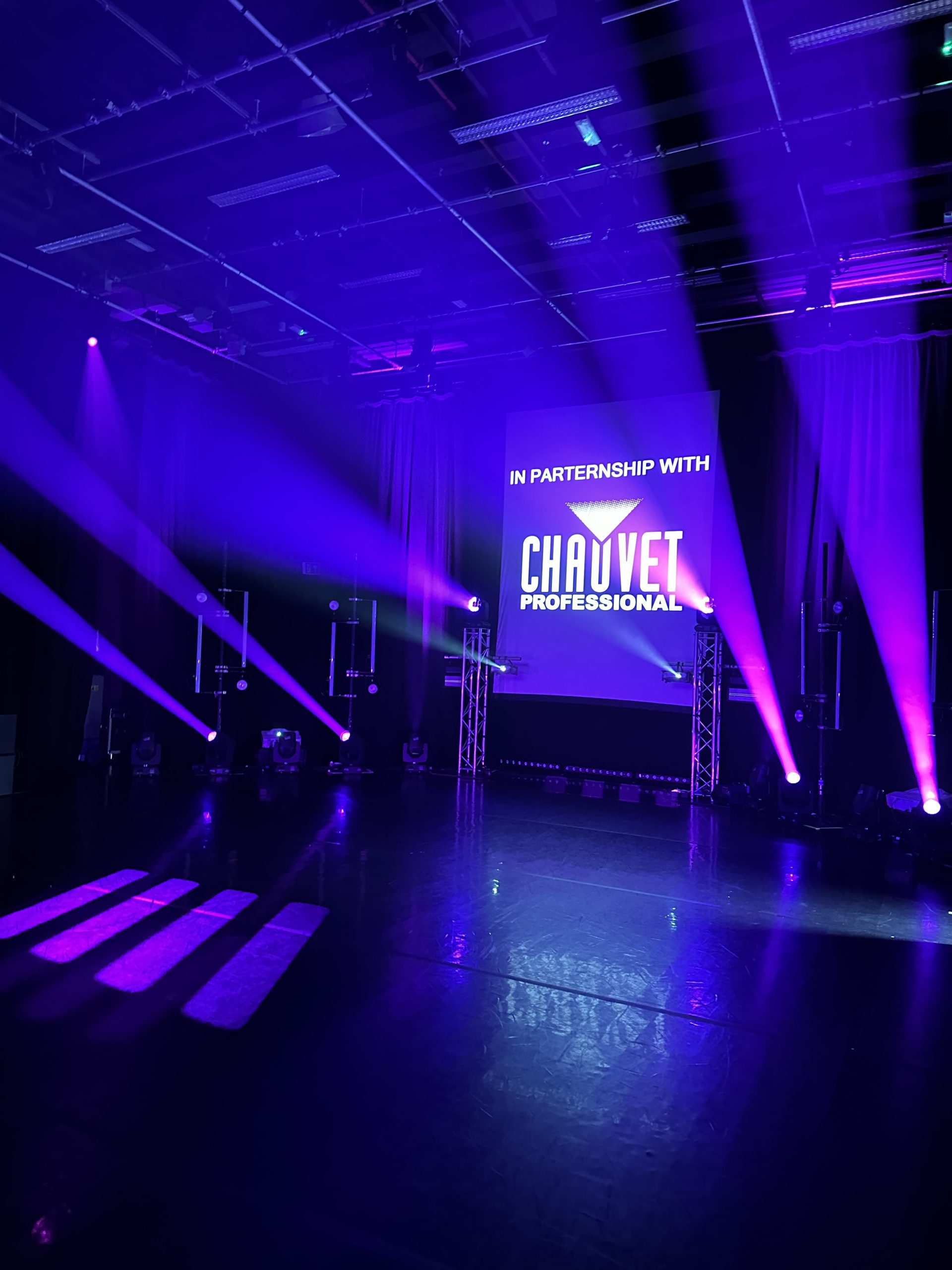
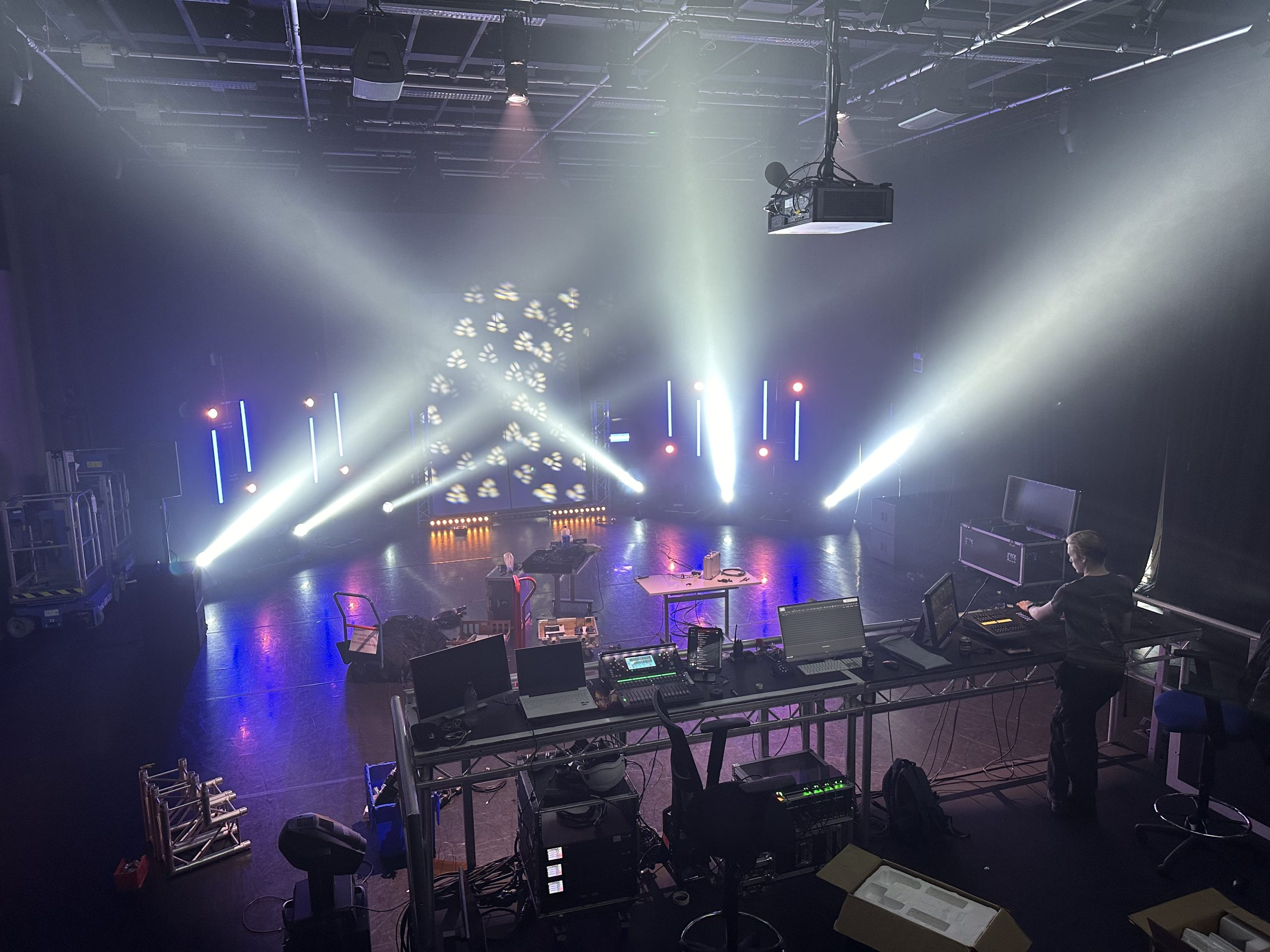
The main lighting design is a collaboration between myself and Jack to create the best setup we could with what we had available but also with some loaned equipment which I will cover below.

The design was created in vector works and went through various versions.

Chauvet Professional & Outreach

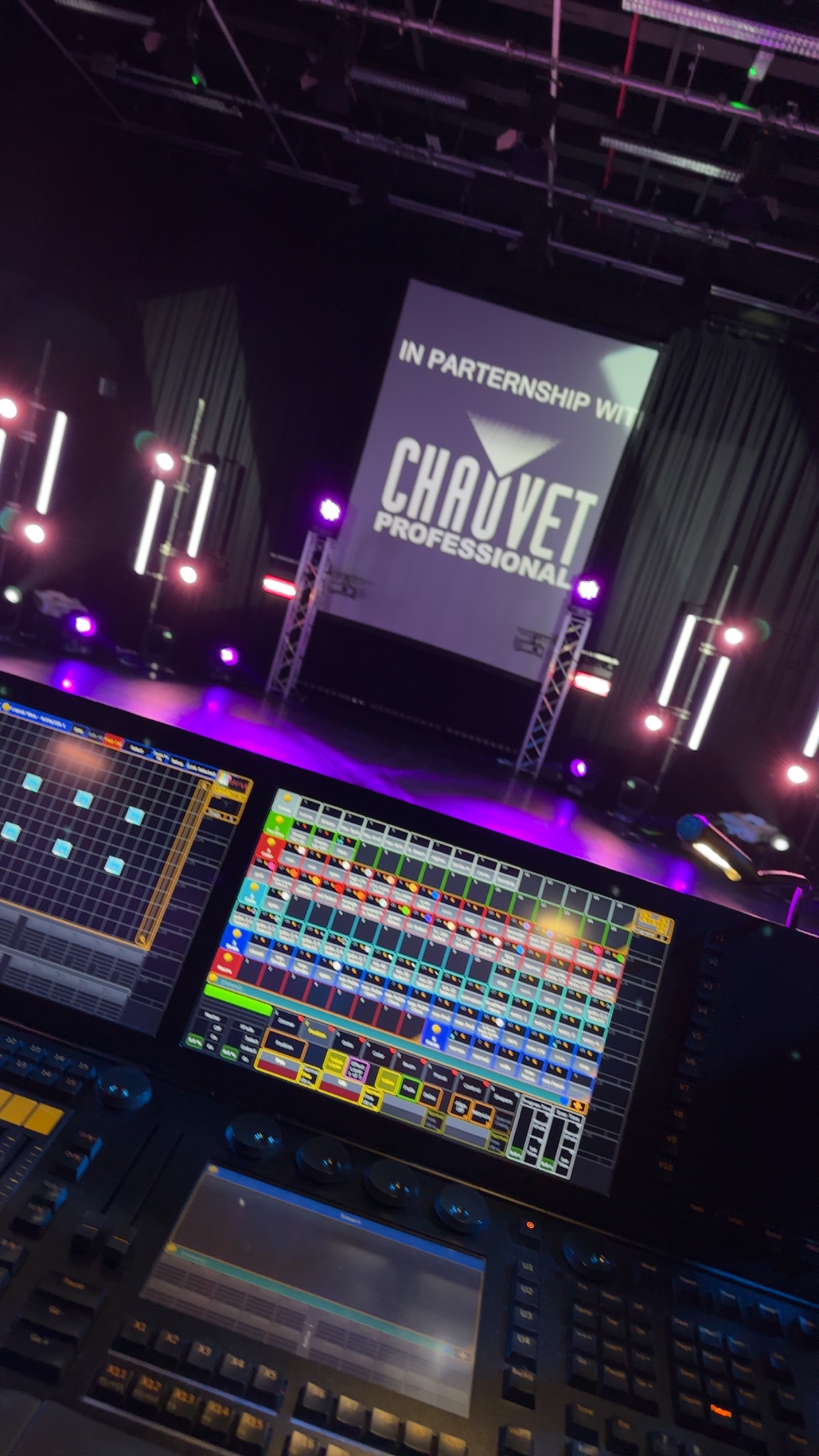
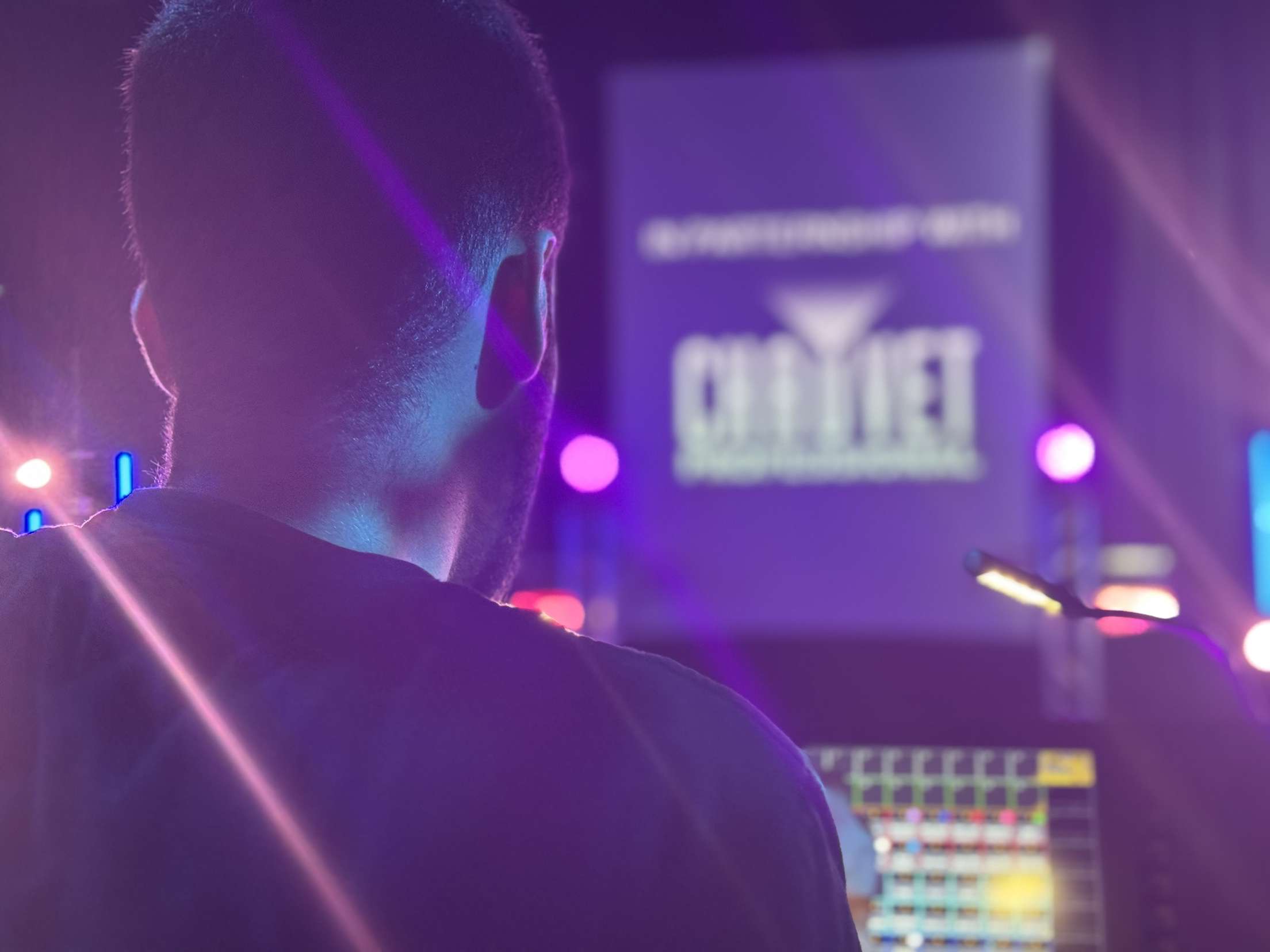
When we started planning with the project we knew we wanted to try and work with hire company’s and manufactures to try and enhance the equipment available to us, we reached out to companys such as coloursound, ClayPaky and Whitelight. While we didn’t get much back from most company’s Chauvet professional was quick to offer support. Speaking with Dave Thorpe our local business development manager we arranged for various fixtures to be sent down to be used in the project on a demo loan.

It was quite a long process as Dave is a busy person and communications took a little longer to come through but the deal was secured as we worked to be as clear in communication as possible.

We are also working with whitelight, they were nice enough to offer an educational discount on an MA2 Lite, while we are paying a lot of money towards this ourselves to further our education on lighting control it was generous of them to be able to support that. Speaking to Jedd a local agent.

Examples of professional outreach and responses below.

Sound Design

For this project I am undertaking the sound design which will also be mixed to surround. I wanted to try something different for this design so I have taken a trial of Ableton Live 12 which I am using to create the sequences and effects. These will later be transferred to run in Qlab.

Documentation

As part of a professional production we have been working on appropriate documentation such as equipment lists, risk assessment and a project schedule. Access documents with the button below.

Research & Development

Leading up to the project it was important that we explored “research as practice” as well as testing our ideas in the real world. We held two experimental sessions, the first one actually in Studio B assessing technical needs but also developing the initial technologies and workflows required. 

While Jack focused on looking at projection pattens in haze (Picture displayed to the left) I started putting together the scripting for my Siri interactions.

The interactions are based on Siri shortcuts which allow custom actions to happen when you say the selected phrase, this is a great tool because there’s a ton of options and an inbuilt command builder to allow you to build these interactions. Using the “Run script over SSH” action I was able to send a script action to my Mac Mini which acts at as the host device. The host device then translates that into osc and sends the osc commands to qlab.

Since the Mac Mini acts as the host device this allows me to simply share the shortcuts with any iPhone user and they will also be able to have control. Effectively giving audience control however I can choose which shortcuts to share so not everyone may have access to “admin” functions which almost acts as a permissions function.

I have the base setup complete now however this will be expanded fully during the project as I start to develop real commands and enhance the shortcuts functionality. Currently to connect to my Mac the user has to possess my sign in details on their device which is a clear security flaw, I can use SSH access keys which I will be looking at in future revisions depending on time. For the purpose of demonstration it wouldn’t be a high security risk.   

Video to the left highlights the command working, voice command from myself triggers an image of stars on the mac mini via qlab. 

Stage Two

A week before the project we hit the studio again for stage two of development this time in studio C because of availability. Jack was once again looking at testing the full setup of projection with triple head while I was looking at testing some of my surround audio in a space. I was able to mix tracks created in Ableton via usb into the SQ 5 and into the surround system. This allowed me to see further changes needing to me made to the sound design and how effective it was within the space.

Get In

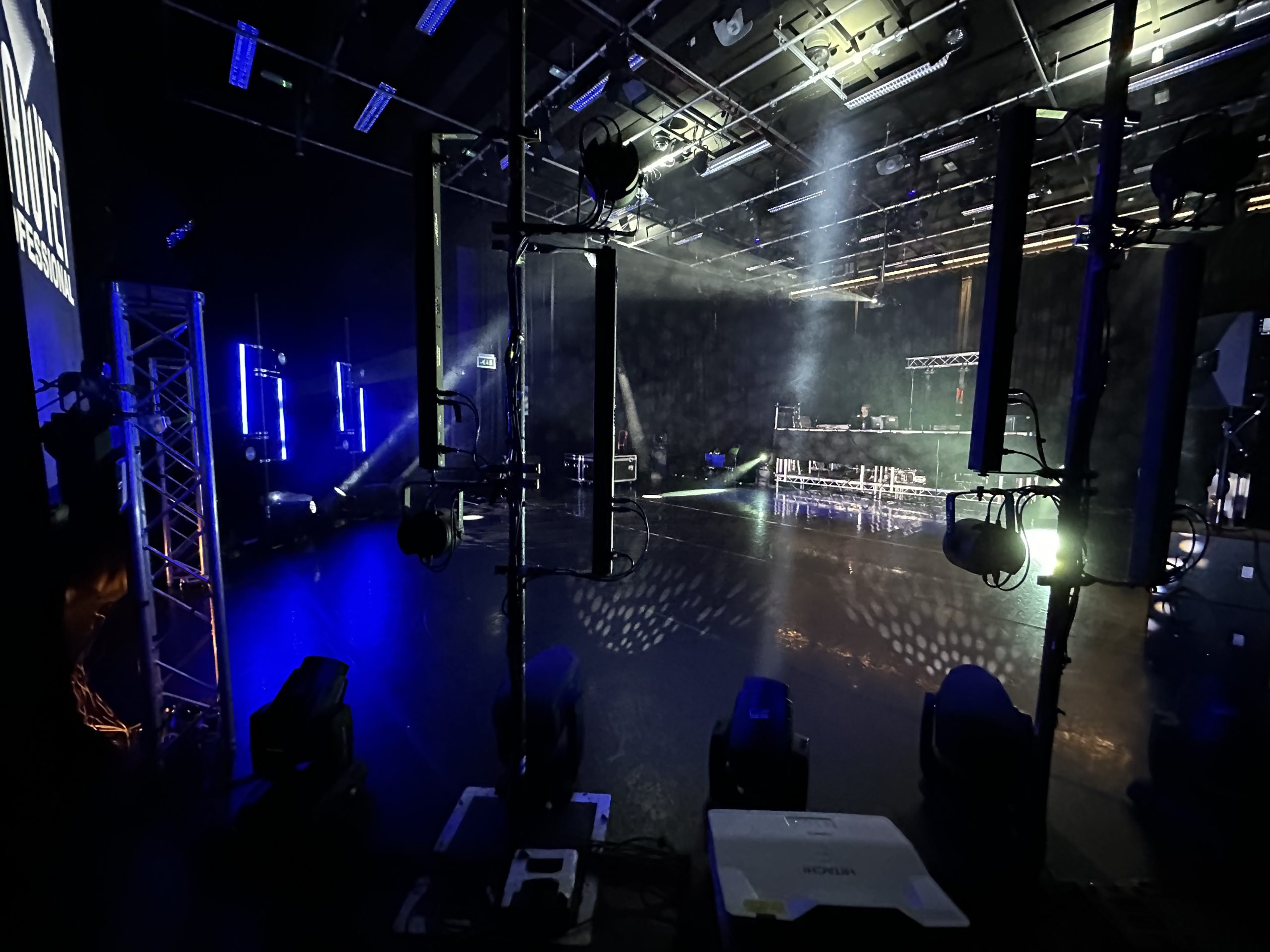
Get in for the project started on Monday the 5th, the get in was smooth for the most part there was area we had to rethink such as the centre truss structure when we realised our crank stands were only capable of 30kg SWL instead of the expected 80kg. Delivery’s for our loaned fixtures and desk also took longer due to courier times out of our control which meant we were left waiting at times. This meant that get in lastsed around 4 days give or take although other stuff was also happening with the development of sound and video sources.

To the left is a timelapse video of some of the get in. This video contains heavy strobe lighting.

MA Lighting

As a first time user of MA I found that I quickly picked it up and was able to get into programming sequences and effects early on. Before the project started I undertook some self learning via youtube and MA2 on pc to try and figure out the basics which came in very handy.

My experience so far on the console has been good, I’m really enjoying working on it, its very different from ETC but with my knowledge of Onyx and Avo im able to understand other ways of working.

The MA is running 6 universes of DMX direct out, LTC timecode in and DMX in (universe 1) for the ion as house light controller.

Sound System

The sound setup consists of an SQ5 receiving qlab output which links to x3 d&b d20 amplifiers which are able to send individual control to the main PA stack consisting of  4x E15 Subs and x2 E12 tops as well as the rear x2 E12 tops and the x2 E12-Ds positioned in the grid of overhead sfx. R1 was also used to configure and monitor this system.

QLAB & Timecode

QLAB is the brains for this experience, most importantly its running the LTC timecode out link to the MA2 to control the lighting. The file is also controlling all the audio including surrounds and all video content from the main screen and “laser” projections.

The Qlab is linked via USB (32 Channels) to the SQ allowing for induvial patching, the LTC timecode is also being sent via USB to the desk and is setup with a direct output straight into the MA.

There are various stop and start timecode cues in the qlab to allow for modularity meaning that when it comes to interactions I can call up sequences induvially.

The qlab will mostly run itself and is also being controlled by timecode and OSC from the siri part of the experaince.

unnamed (4)

Interactions & OSC

Continuing my development from the testing phases I have added new infrastructure to allow for multiple cue triggering under one shortcut through the use of the dictionary which references numbers (cues) to words provided in the command. I found that this was really flexible however quite a lot of the time siri wouldn’t be able to understand basic words even with variations of the word programmed in. I setup a secure network for Siri command users which was accessible during the experience and displayed instructions with a QR code link to install the interaction package via iCloud share for iPhone users.

I did not get time to explore SSH access keys however as stated previously it wasn’t an issue for this experience but worth a look for something on a larger scale with a public audience. 

Something also to consider is that anyone in the projects current state could alter cue numbers and commands within the shortcuts to create havoc. There is still definitely some challenges to overcome.

Final Product

Overall its been a great project both as objective research and as a learning experience not only was I able to explore voice enabled connectivity I was also able develop new skills on technical equipment and design techniques. This project also for us reflected on an end to two years of extensive learning and a demonstration presenting that in a exciting format.

I feel I have be able to fully explore and meet my aims, there is always more to learn and build on in future work and development.

A full video is featured below. Please be aware that this video contains bright & strobe lighting as well as loud and sudden sounds. 

References:

MA Lighting:

https://help2.malighting.com/Page/grandMA2/grandma2/en/3.3

Interactions:

https://chatgpt.com/ (Coding assistance)